
Login
Login and interface
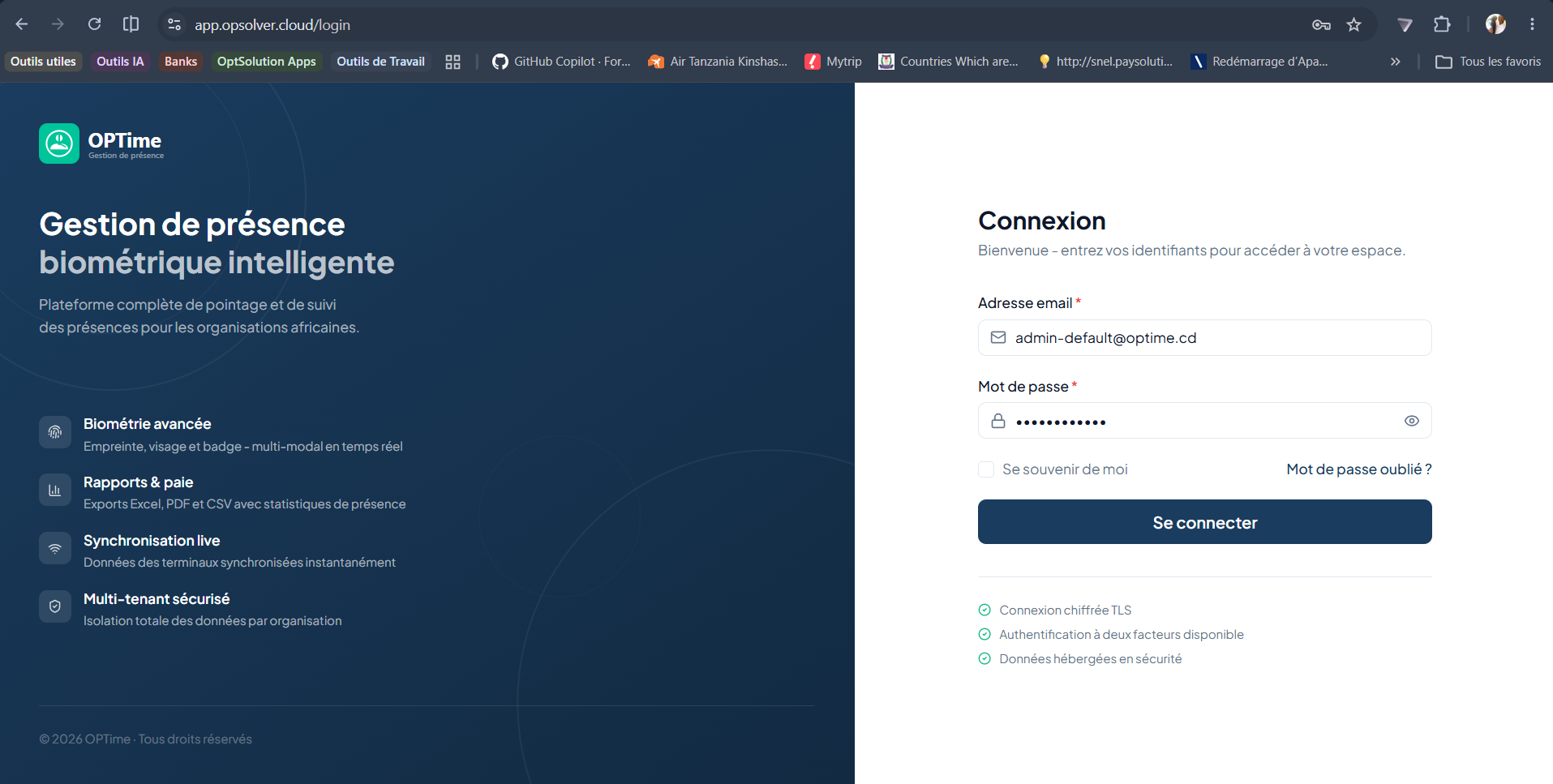
Login steps
General navigation
- Sidebar: access to modules.
- Top bar: language, dark/light theme, notifications, profile.
- Main area: content of the selected module.
TIP
The sidebar only displays modules your role gives you access to. If a module is missing, check your roles with your administrator.