
Users & Settings
Users and settings
Add a user
Administrators can create new users and assign them one or more roles. A user can be linked to an employee or remain a platform user only.
Institution settings
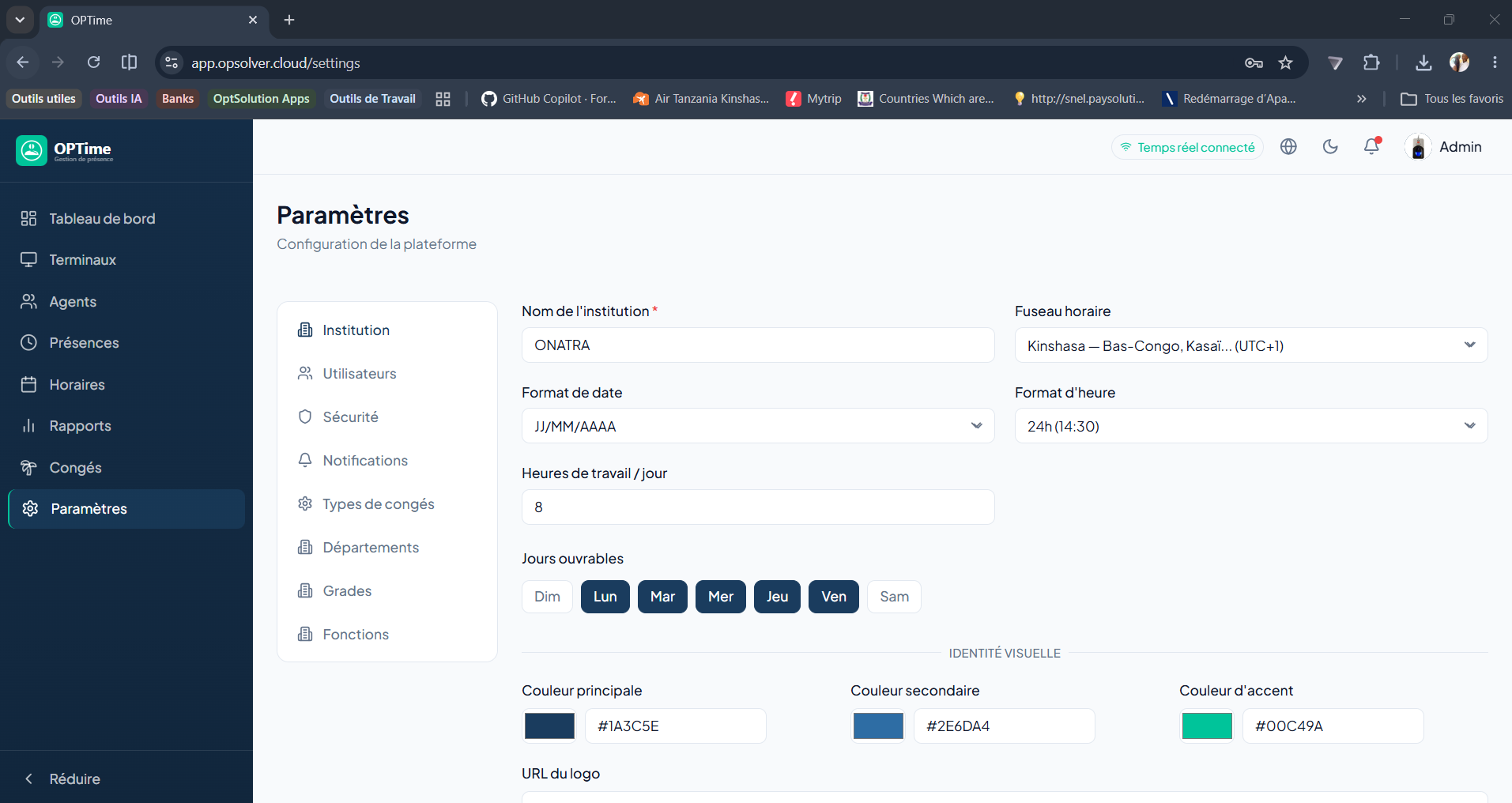
Accessible to ADMIN:
- Institution name.
- Logo and colors.
- Timezone.
- Enabled modules.
- Notification preferences.
Best practice
Remember to check the timezone and enabled modules before deploying OPTime in a new organization.