
Employees
Employee management
Create an employee
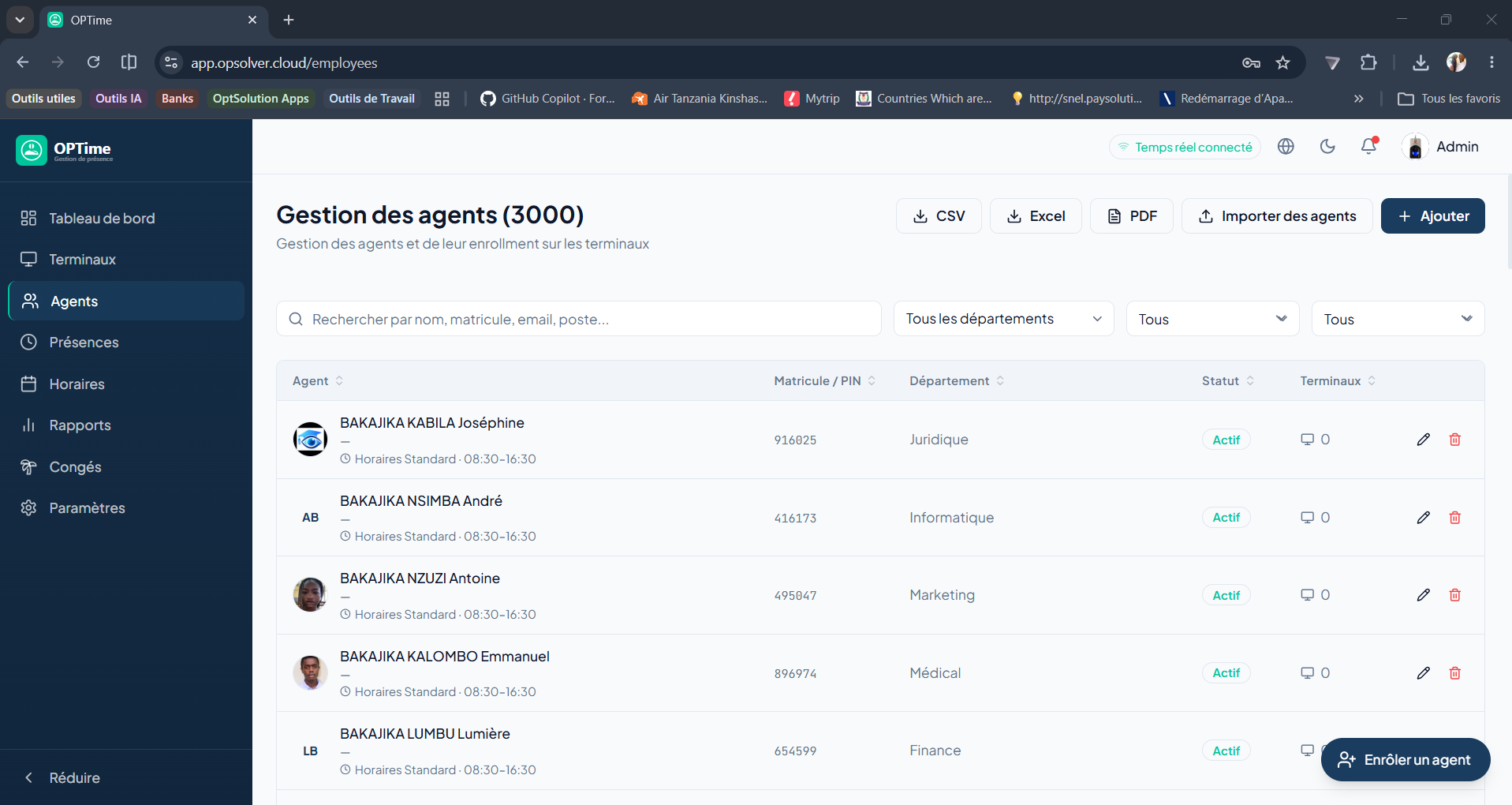
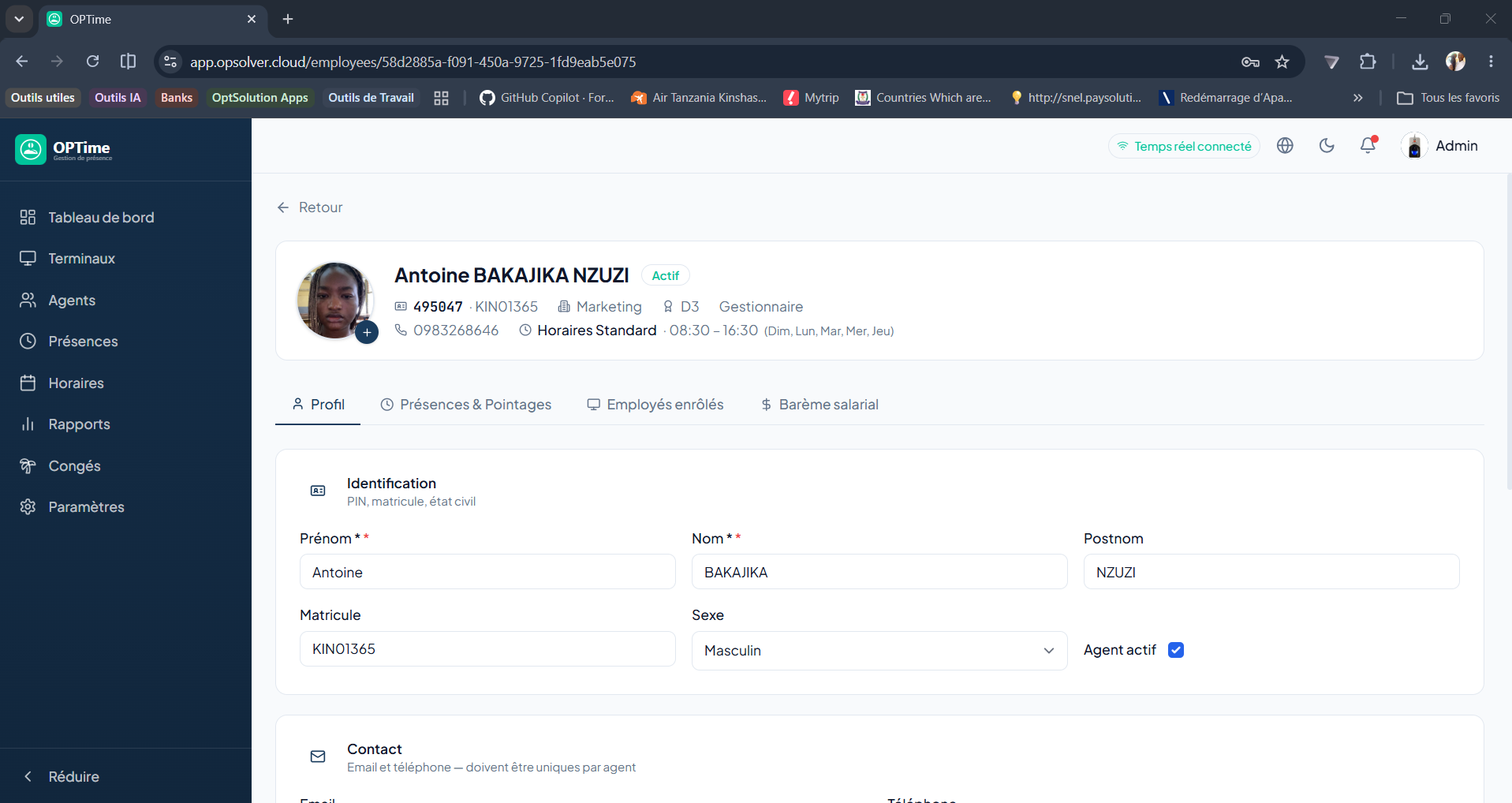
HR managers and administrators can create new employee records, assign them to a department and define their personal information.
Import employees in bulk
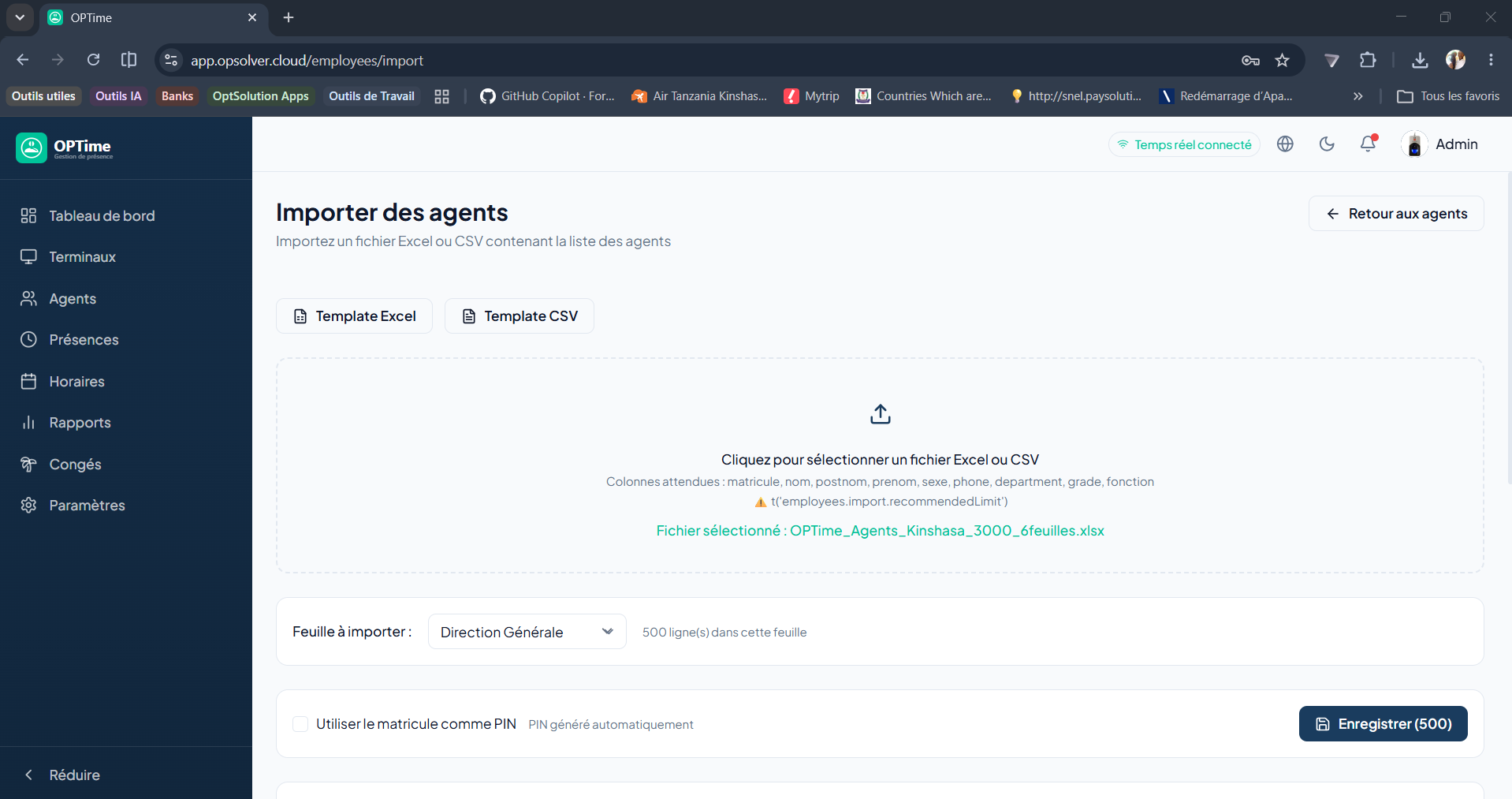
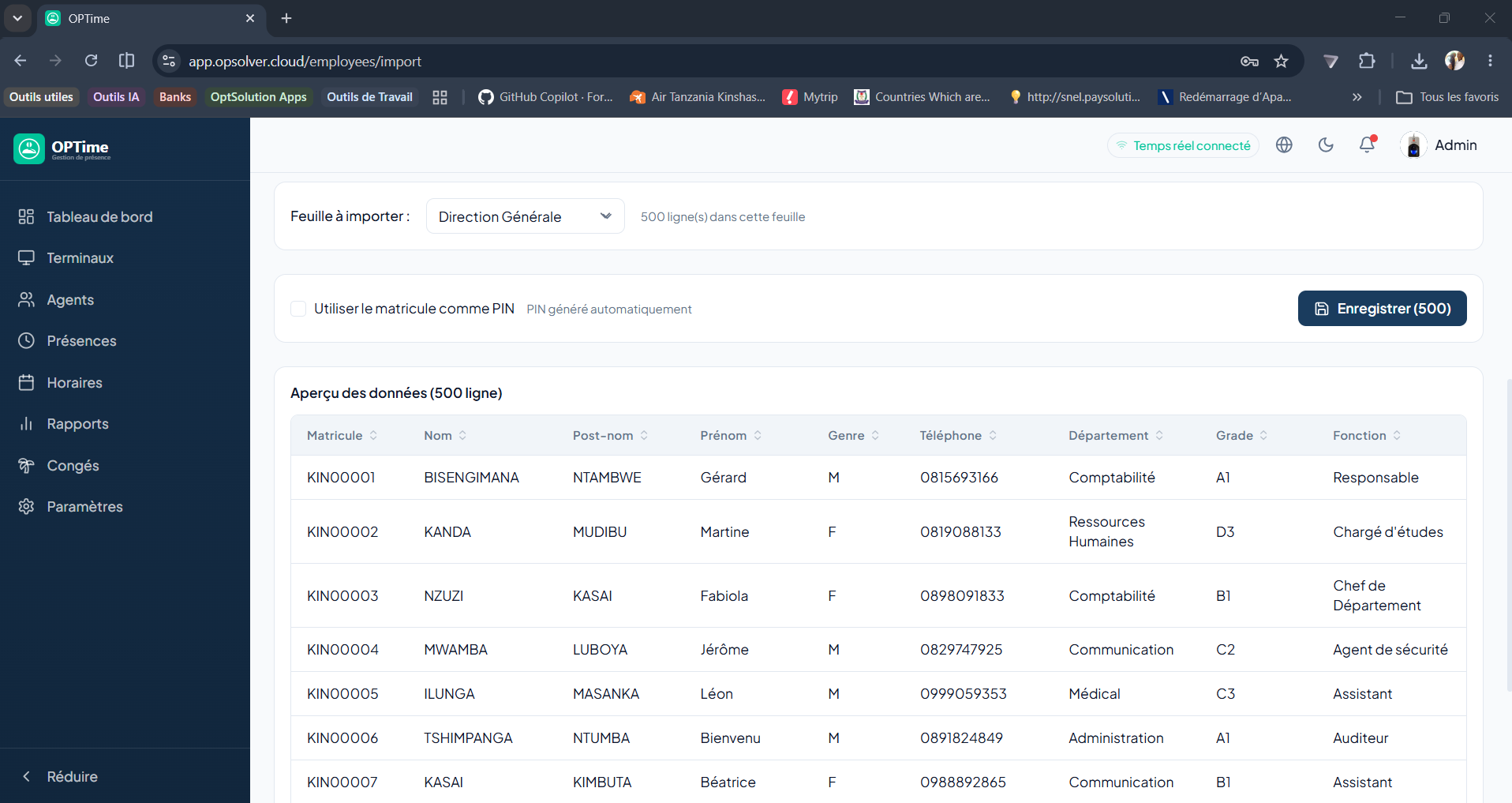
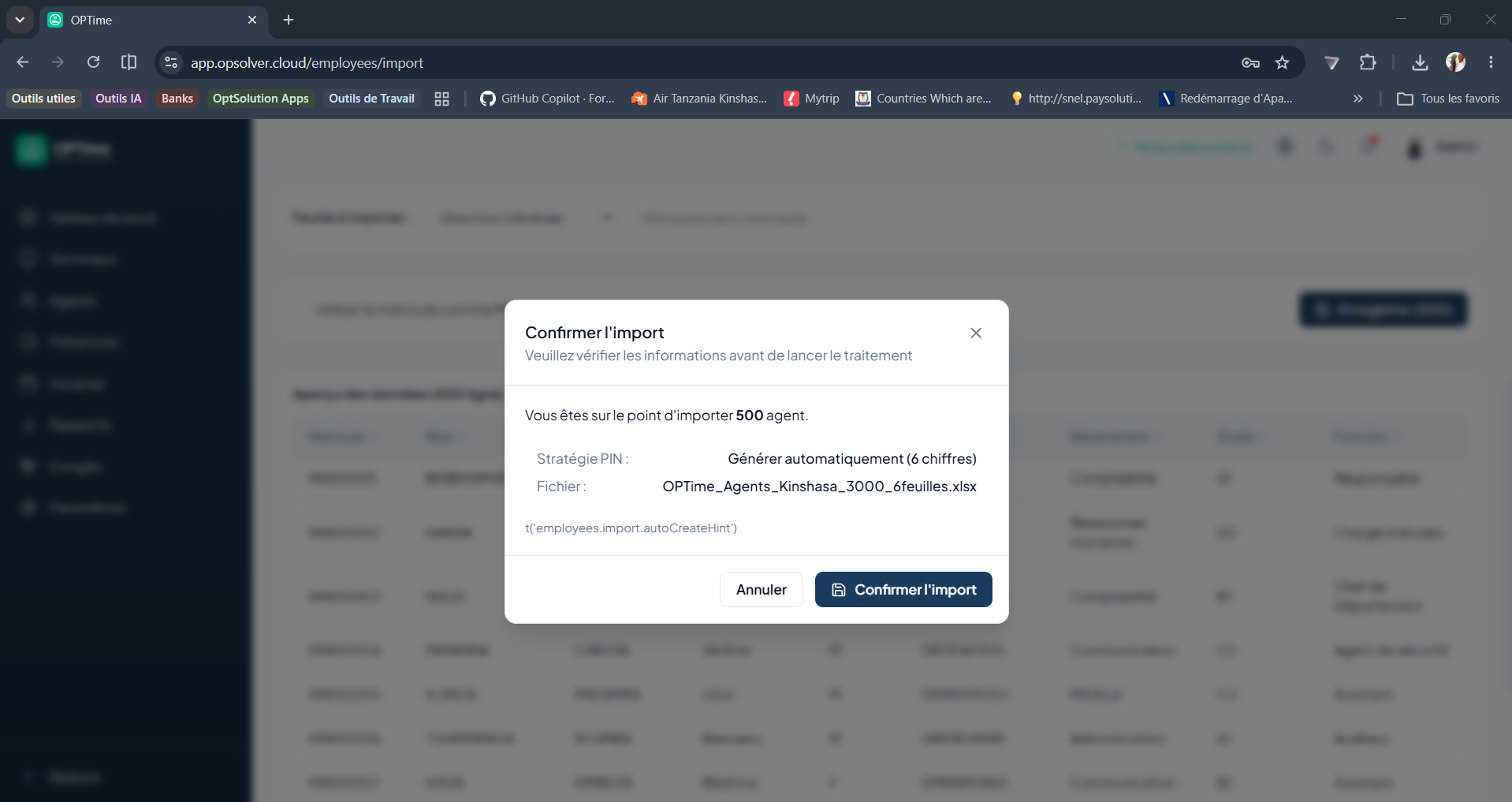
The bulk import allows you to create or update several employees at once from an Excel or CSV file.
Enroll an employee on a terminal
Enrollment sends the employee's biometric data (fingerprint, face or badge) to the ZKTeco terminal so they can clock in/out.
Important
Employee import and record deletion are reserved for the ADMIN role. Creation and modification are available to ADMIN and HR_MANAGER.